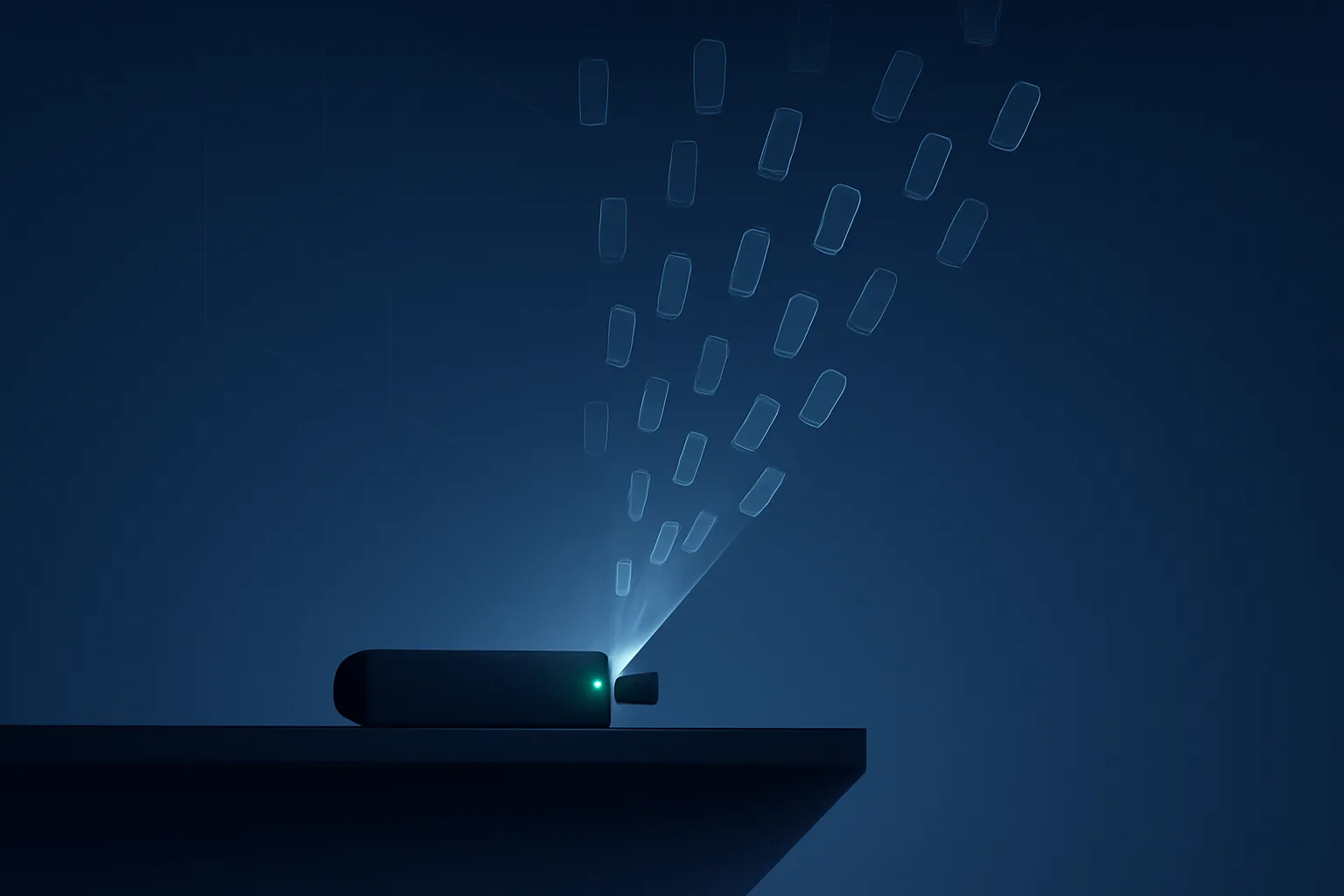
You paid thirty bucks for a streaming stick that promised "everything, no subscription." It plays movies fine. But according to research reported by Krebs on Security, a category of these cheap Android TV boxes has a second job running in the background: pretending to be a mobile phone, browsing AI-generated websites, and clicking ads to defraud advertisers and online merchants — all using your home internet connection and your electricity.
What researchers actually found
Threat researcher Pedro Falé of the security firm Bitsight got a rare look inside one of these operations by registering an expired domain that had previously been used to coordinate the scheme. That domain, Krebs reported, had been collecting full hardware details and the entire list of installed apps from tens of thousands of streaming sticks — specifically a popular, widely sold brand called H96 — plugged into TVs around the world. Once Falé controlled the domain, he could see the traffic still flowing to it: devices spoofing themselves as mobile phones and clicking ads on AI-generated websites as part of a larger ad-fraud network.
This builds on something security researchers have warned about for years with generic, no-name streaming boxes: many of them also work as "residential proxies," secretly renting out a slice of your home internet connection to strangers so that other people's traffic — sometimes legitimate, sometimes not — appears to come from your address. The ad-click behavior Bitsight documented is a more specific and more active version of the same underlying problem: the box isn't just sitting there playing your shows, it's also working for someone else, on your dime and your IP address.
Why the cheapest boxes are the likely candidates
Not every streaming device does this. The pattern researchers keep finding is specific to a category: unbranded or off-brand Android boxes, usually sold as "fully loaded" with every streaming app pre-installed, for a low one-time price with no subscription. That business model is the tell. Legitimate hardware makers (Roku, Google, Amazon's official Fire TV line) make money on the device, on their app store, or on a services cut — they don't need a second revenue stream. A box that's cheap, does everything for free, and still has to turn a profit is, by definition, being paid by someone other than you. Ad fraud and bandwidth resale are the two ways researchers have documented that happening.
These devices also tend to skip Google's Play Protect certification, ship without regular security updates, and rely on sideloaded apps from unofficial APK stores rather than the Play Store — exactly the kind of install path that makes it easy to bundle a hidden fraud or proxy module alongside the media player you actually wanted.
Five checks you can actually run
You don't need special tools for most of this — just access to your router's admin page and the box's settings menu.
- Check the model name. Look at the box itself or its settings/about screen for the brand. H96 is the model specifically named in the Bitsight research; if that's what you own, treat the rest of this list as urgent rather than optional. Generic-looking Android boxes bought on marketplaces like Amazon third-party listings, AliExpress, or eBay under brand names you don't recognize warrant the same scrutiny.
- Look at data usage per device in your router's admin panel. Most home routers (and all mesh systems) show data usage broken out by connected device. A streaming stick should show heavy download activity while you're actively watching something, and close to nothing the rest of the time. Sustained upload traffic, or any traffic at all while the TV is off and nothing is playing, is worth investigating.
- Open the installed-apps list. On Android TV boxes this is usually under Settings > Apps > See all apps, and it will show system apps too. Look for anything you don't recognize and didn't install — generic names, blank icons, or apps with permissions (like network access) that don't match what they claim to do.
- Note how you set the box up in the first place. If it came pre-loaded with a third-party "app store" instead of the Google Play Store, or you were told to sideload an APK from a link or QR code in the box's manual to get streaming apps working, that's the same distribution path the research describes being used to deliver fraud modules.
- Watch for signs of load with nothing playing. A box that's warm to the touch, has a spinning fan, or shows activity lights blinking steadily when the screen is off and no app is open is doing something. It may be entirely innocent (background updates), but combined with any of the above, it's a reason to look closer.
If you find something
Don't stop at uninstalling one suspicious-looking app. The behavior researchers describe is often built into the device's telemetry and system layer, not a single app you can remove — so a factory reset on the box itself may not clear it, since the reset image can be the same compromised firmware it shipped with. The reliable fix is to stop using the device: unplug it, disconnect it from your Wi-Fi (change your Wi-Fi password if you're not sure you can otherwise force it off), and replace it with hardware from a mainstream brand.
What to buy instead
You don't have to spend a lot more to avoid this category of risk — you have to buy from a company whose business model doesn't need a hidden second income stream. Official Roku, Amazon Fire TV, Google TV/Chromecast, and Apple TV devices all carry standard app-store distribution and vendor accountability that "fully loaded" no-name boxes don't. If a deal advertises free access to every streaming service for a one-time low price with no subscription, ask the obvious question the research keeps answering: if you're not paying for it with money, what are you paying for it with?